


DOM XSS, Bypassing Strange Filters
On a store finder with almost no attack surface, Synack Red Team member Salman Khan found a successUrl redirect parameter by reading minified JavaScript. He bypassed a substring-based redirect filter and a WAF that pattern-matched alert( by using a javascript: URL and a tagged template literal. The result was DOM-based XSS from a single crafted link.

Technical Summary
Exploits Explained
A store finder passed the successUrl query parameter into a client-side navigation sink with no scheme check or host allowlist, which created an open redirect that could lead to DOM-based XSS. However, a redirect filter that only checked for the site's own domain blocked the obvious payloads, so the researcher placed that domain after a comment marker in a javascript: URL and satisfied the check.
Finally, because a WAF still matched the alert( pattern, the researcher swapped in a prompt call using a template literal, and a single crafted link then executed attacker-controlled JavaScript in the victim's session.
Some targets hand you a huge attack surface. This one handed me a map.
When I opened the scope, there was almost nothing to poke at. A store finder. A pin on a map. A “find your nearest shop” box. That was it. No login, no upload, no API playground. My first thought was that this would be a short, quiet day.
I was wrong. It ended with a DOM XSS that walked straight through three separate filters, and it started because I got bored and went reading JavaScript.
Nothing But a Map
I did what everyone does first. Every endpoint, every method, every weird header. Nothing moved. The app just kept showing me stores and shrugging.
When the obvious stuff dries up, I go to the source. Literally. I opened the JavaScript and started hunting for DOM sinks, the spots where user data is written into something dangerous like a redirect or innerHTML. This is the slow part of the job. The files were minified, dense, and long enough to make my coffee go cold.
Then one line caught my eye:
get successUrl()A getter called successUrl. That word, “success,” usually means “where we send you after something works.” Redirect targets are gold. I refilled the coffee and kept pulling the thread.
A Parameter That Whispered Back
successUrl turned out to be a custom query parameter. So I went to the store finder endpoint and just tried it:
/redacted?successUrl=/xssI loaded the page, clicked a store, and the app redirected me to redacted.com/xss. The parameter was alive, and it controlled where I landed. That is an open redirect waiting to happen, and one that accepts full URLs is often a short step from XSS.
The First Strange Filter
The easy wins failed. I tried the classic open redirect payloads:
https://synack.com
//synack.com
Blocked. Every time. The app clearly had some protection deciding what was and was not allowed.
So I slowed down and thought about how a lazy filter might work. A common shortcut is “only allow redirects that point back to our own site.” A common shortcut is to check whether the request contains the site’s own domain anywhere in it. Anywhere. So I put my domain first and dropped theirs into the query string:
https://synack.com/?redacted.comIt worked. The redirect fired and sent me to my domain. The filter saw its own domain sitting after the question mark and waved the whole thing through, never noticing the real destination was the domain at the very front. One layer down.
To be clear about what that filter was doing, here is the same idea as a tiny generic example. The real check is redacted, but the flaw is the same:
// NOTE: redacted and simplified. The real check named the target.
// It only asked: does our own domain appear somewhere in the value?
function isSafeRedirect(url) {
  return url.includes("redacted.com");   // substring match, not a real host check
}
A substring check is the whole problem. https://synack.com/?redacted.com contains redacted.com, so it passes, even though the browser will happily navigate to synack.com.
The Second Strange Filter
An open redirect is nice. A DOM XSS is better. Since the value was being handed to a navigation sink, a javascript: URL should execute. So I reached for the obvious:
javascript:alert(origin);Blocked by the WAF. But by which filter? When something fails, I like to know exactly what killed it, so I started peeling the payload apart. First, the scheme on its own:
javascript:The WAF let it through. So the javascript: scheme was not what triggered the block. Good to know. But the scheme alone was not enough, because the app’s redirect logic still demanded their own domain somewhere in the value. So I handed it exactly that, the same trick as before:
javascript://?https://redacted.comThat passed too. The // starts a comment so the rest is ignored, and the trailing redacted.com kept the redirect filter happy. So the WAF was fine with the scheme, and the redirect filter was fine with the domain. Neither of those was my problem.
The wall only appeared when I added a real payload:
javascript:alert(origin);//?https://redacted.comBlocked again, but by something new this time. A web application firewall did not like the shape of alert(origin). The scheme was allowed, the redirect filter was satisfied, but the WAF was pattern matching on the classic payload sitting in the middle. Another cup of coffee.
The Third Strange Filter
At this point I knew I was close. Only the WAF stood in the way, and it was matching on the shape of a classic payload: the word alert, the parentheses. So I removed the thing it was looking for.
JavaScript lets you call a function with a template string instead of parentheses. prompt("x") and prompt`x` do almost the same job, but only one of them has brackets. I built this:
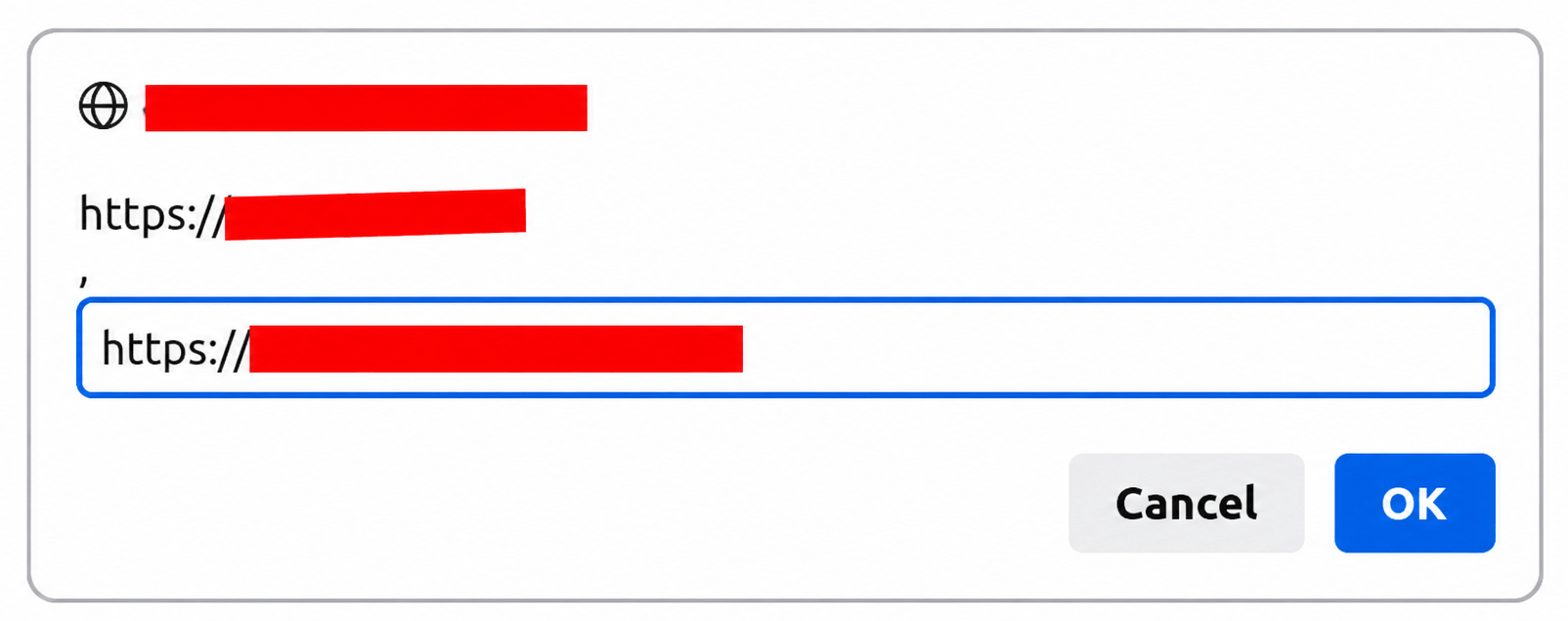
javascript:prompt`https://redacted.com/n${origin}`No parentheses. Their domain is right there to please the redirect check. And ${origin} quietly runs real JavaScript inside the template string. I loaded it, clicked a store, and the prompt box popped up on screen showing the page’s own origin.

Three filters. Zero left standing.
Root Cause: A Redirect Getter With No Validation
Here is the shape of the getter that made it all possible. I have rewritten it as a small generic example, because the real code named the target too clearly to publish:
// NOTE: the real getter is redacted. It exposed the target,
// so this is a simplified version that shows the same flaw.
get successUrl() {
  const url = this.$route.query.successUrl;
  // the only guard: it exists, and it is not an array
  if (url && !Array.isArray(url)) {
    return url;   // returned raw, straight into a redirect sink
  }
  return defaultUrl;
}
Look at what it actually validates. It checks that successUrl exists. It checks that it is not an array. That is the entire security review. If both are true, it returns your value exactly as you sent it, and that value flows straight into the app’s navigation logic.
There is no scheme check, so javascript: sails through. There is no host allowlist, so any string is a valid destination. The only real gatekeeping lived in the separate redirect and WAF layers, and both were guessing at intent instead of validating the value. The !Array.isArray check is the tell. The check protects against the parameter arriving twice as an array, but not against a malicious value.
The Fix
The value goes into a redirect, so treat it like one:
- Allowlist, do not blocklist. Only accept relative paths that start with a single
/, or full URLs whose host exactly matches a known-good list. Never “contains our domain.” See OWASP’s guidance on unvalidated redirects. - Reject dangerous schemes outright. Parse the value as a URL and drop anything that is not
httporhttps. That killsjavascript:before it can reach a sink. - Stop trusting the WAF to catch payloads. A firewall that matches on
alert(is trivially skipped with template strings, encoding, or a different function. It is a speed bump, not a fix. See also DOM-based XSS prevention.
The Lesson
The filters here were not missing. They were just answering the wrong question. Each one asked “does this look bad?” when the safe question is “is this value on my list of things I allow?” A blocklist only knows the attacks someone already imagined. The moment you write javascript: with backticks instead of brackets, the pattern match is blind again.
The impact is real. One crafted link and one click on a store, and the attacker’s code runs as the victim on the target’s own site. If the victim is logged in, the attacker can steal their session, change their email or password, and take over the account. And since the link uses a trusted domain, it makes great phishing bait.
If a filter looks unbeatable, do not attack the filter. Attack the assumption behind it. That is usually where the door is.
Related reading: Navigating Caches & Firewalls Bypasses for XSS • Exploiting PostMessage Handlers to Achieve DOM XSS • Dissecting Stored XSS in SAP Concur Open: Event Handler Bypass and Regex Evasion Tactics
Frequently Asked Questions
DOM-based cross-site scripting happens when client-side JavaScript takes attacker-controlled input and passes it to a dangerous sink, such as innerHTML or a navigation call, without validating it. The malicious code runs in the victim’s browser in the context of the target site, and the server never sees the payload in its own response. That makes it easy to miss in server-side testing.
The store finder read a successUrl query parameter and handed it to a navigation sink with almost no validation. Because the sink accepted full URLs, a javascript: URL executed as code instead of loading a page. The researcher bypassed a domain-substring redirect check and a WAF that matched on alert( by hiding the target domain after a comment marker and calling prompt with a template literal.
Validate redirect targets against an allowlist. Parse the value as a URL, accept only http and https, and compare the exact host to known-good values. Blocklists and WAF rules only catch payloads someone already imagined, so treat them as an extra layer, not the fix.